Every absence. Every notice. Every parent told.

स्कूल संपर्क: हर अभिभावक तक, व्हाट्सऐप पर

One app for your school's staff. Teachers mark attendance once a day, the office sends notices and homework, and parents hear it on WhatsApp in Hindi or English. Parents do not install anything.

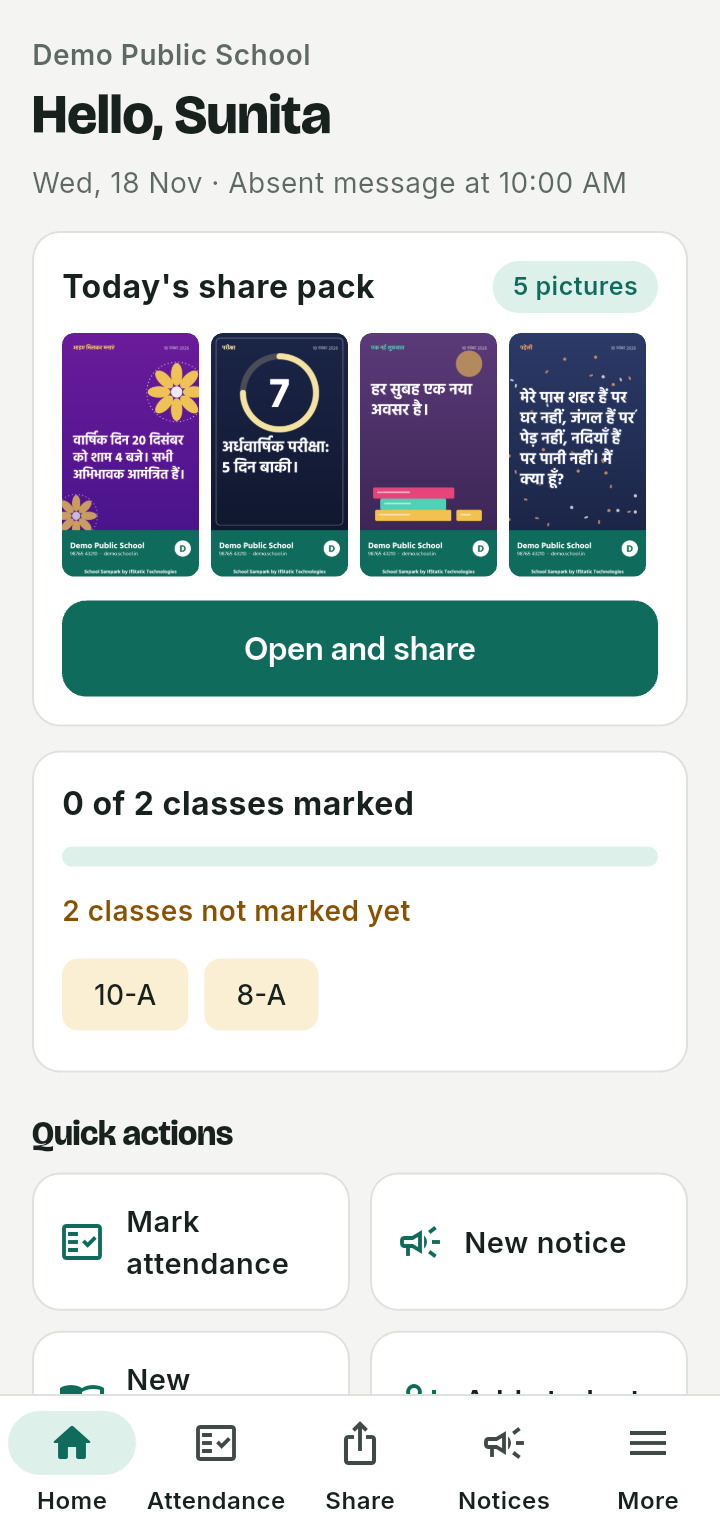
The home screen of School Sampark: today's share pack with four pictures, and a card showing that no classes are marked yet.

A school day

Three things happen without anyone chasing anyone

School Sampark does the telling, so the staff can get on with teaching.

Teachers mark attendance

Each teacher opens their class, taps the children who are absent, and saves. It takes a minute, once a day.

Parents of absent children are told

At the time your school sets, the parents of every absent child get a WhatsApp message in their language. If attendance is marked later, the message goes at once.

Notices and homework go out when needed

The office picks the event, adds the dates, and the notice is written in Hindi and English with a picture. Homework goes as a PDF to a class.

Attendance

Mark in a minute. Parents know in the morning.

One tap for each absent child

Everyone starts as present. The teacher taps only the children who are not there, and the screen says exactly how many parents will get a message and when.

  • Attendance is marked once a day for each class.
  • The school admin sets the time the absent message goes out.
  • If a teacher saves attendance after that time, the messages go at once.
  • If a child turns up after being marked absent, the teacher can send a correction to the parent.
  • Teachers see only the classes they are given. The office and the admin can see all of them.
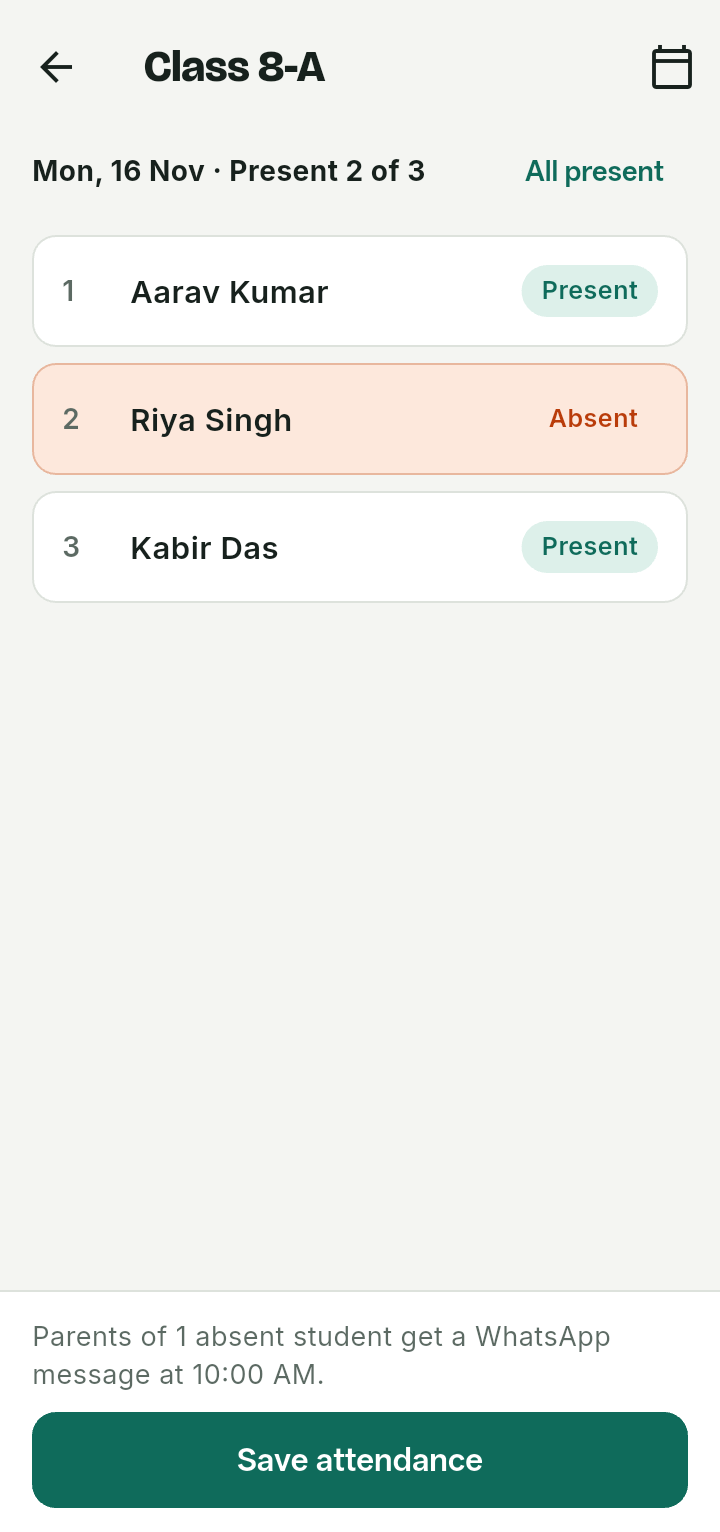
Class 8-A attendance with three students. Riya Singh is marked absent, and the note at the bottom says the parents of 1 absent student get a WhatsApp message at 10:00 AM.

Notices and homework

Say it once. It reaches every parent the right way.

Pick the event, add the dates, check the words

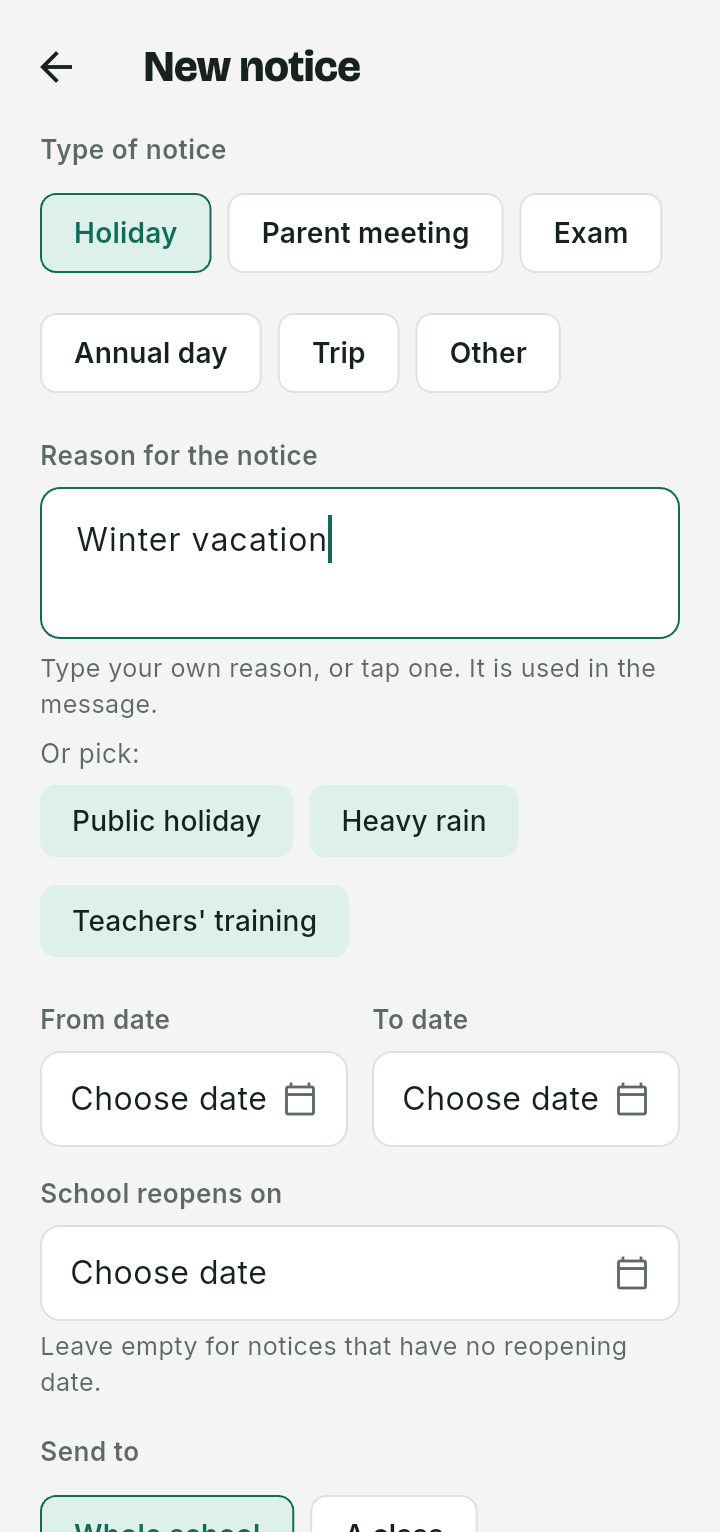
Choose a holiday, parent meeting, exam, annual day, trip or anything else. Type your own reason or tap a common one, add the dates and the reopening day, and the notice is written for you.

  • The message and a notice picture are made in Hindi and English, and you can edit both on the same screen.
  • A notice to the whole school waits for someone who may approve it. A notice to a class or section goes straight out.
  • Parents get the picture and the words in the language set for their child.
  • Homework goes as a PDF with a short message to a class, with no approval step.
The New notice screen: types of notice from Holiday to Annual day, a reason box with Winter vacation typed in, quick reasons, and from, to and reopening dates.

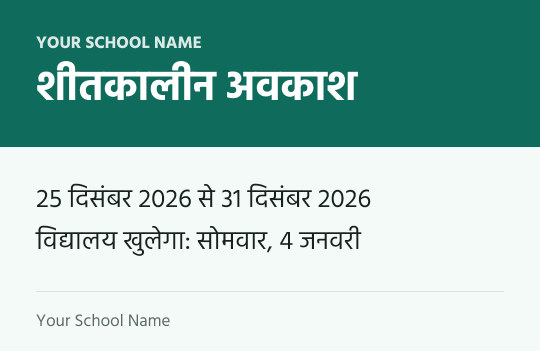
Example of a notice picture, made by the app. Your school's name goes at the top and bottom.

A notice picture in Hindi announcing a winter vacation from 25 to 31 December, with the school reopening on Monday 4 January.

Daily share pack

New pictures for WhatsApp Status every morning, with your school's name on them

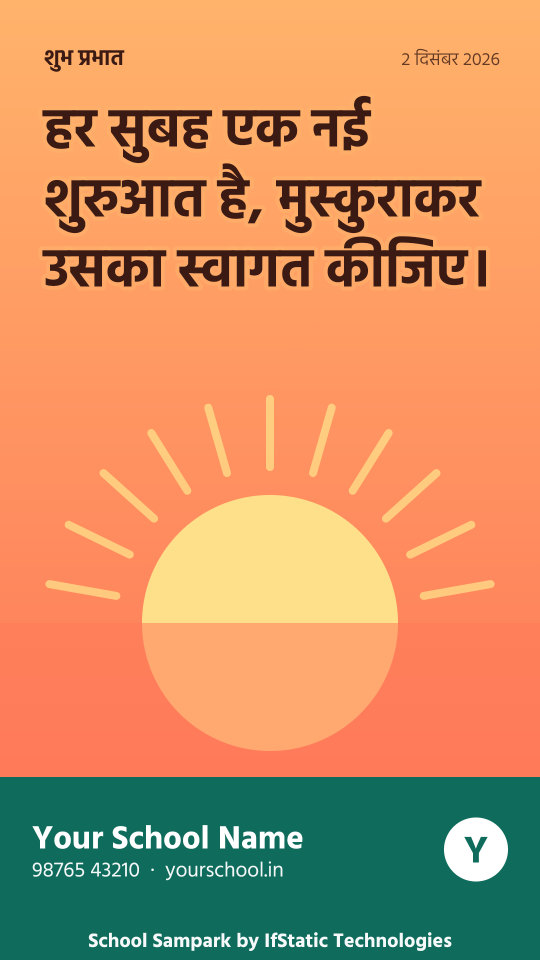
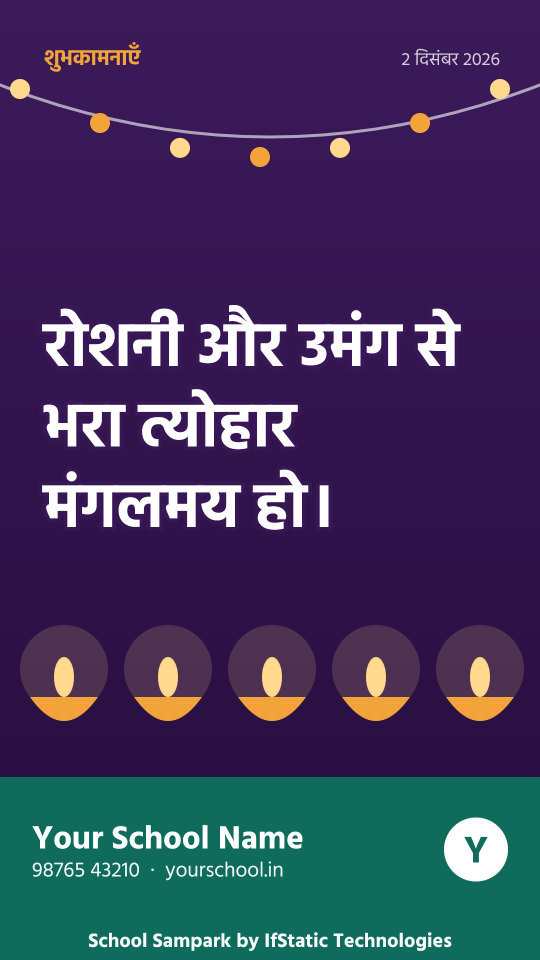
Every night the app makes a fresh set of pictures: a good-morning thought, a riddle, festival and national day greetings, exam countdowns, holiday and reopening reminders. By morning they are waiting for your teachers, already carrying your school's name, logo, phone number and website.

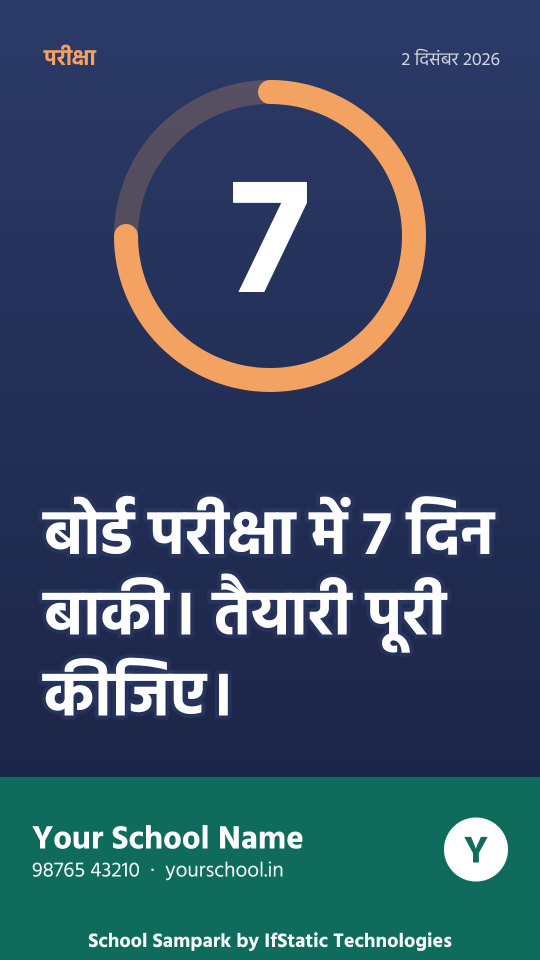
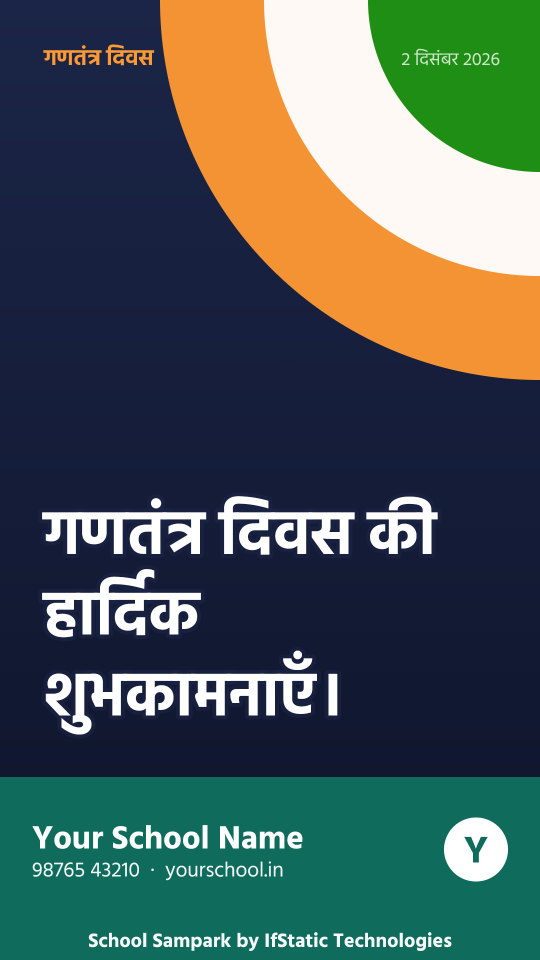
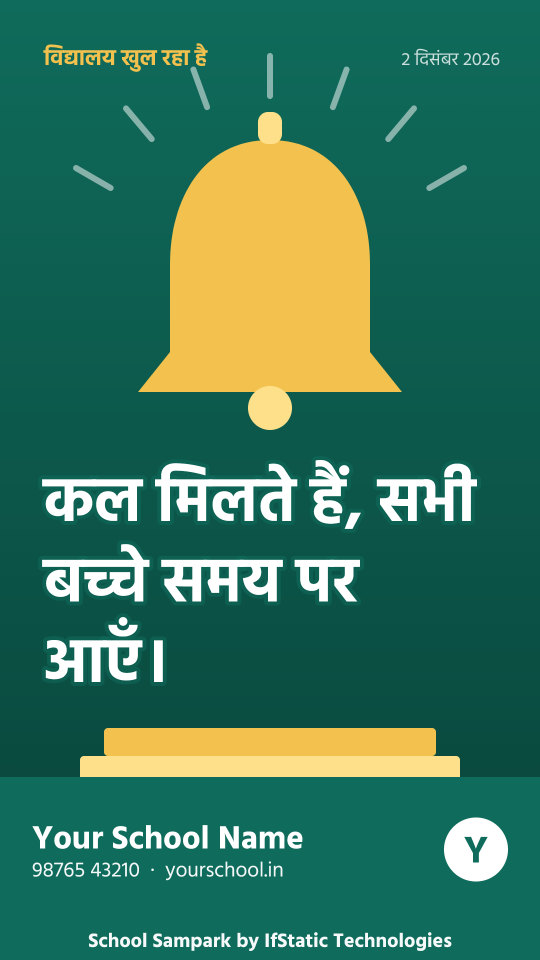
A good-morning picture in Hindi with a rising sun. A festival greeting in Hindi on a purple picture with lamps. An exam countdown picture: 7 days left. A Republic Day greeting in Hindi. A school reopening reminder with a bell. A birthday wish in English with balloons.

These are examples made by the app, in the Status size. Each school's own name, logo, colour, phone number and website go in the footer, and each picture also comes in a square size for groups. Hindi, English or both.

Teachers share in one tap

Teachers open today's pictures, pick Status or group size, and share. WhatsApp does not let any app post a Status for you, so the last tap is always the teacher's.

  • Starred pictures are kept, and the last week stays available.
  • Pictures come from a library of more than 200 designs, matched to the day and never the same two days running.
  • The school chooses the colour, whether to show the date, the phone and website, and which kinds of pictures to include.
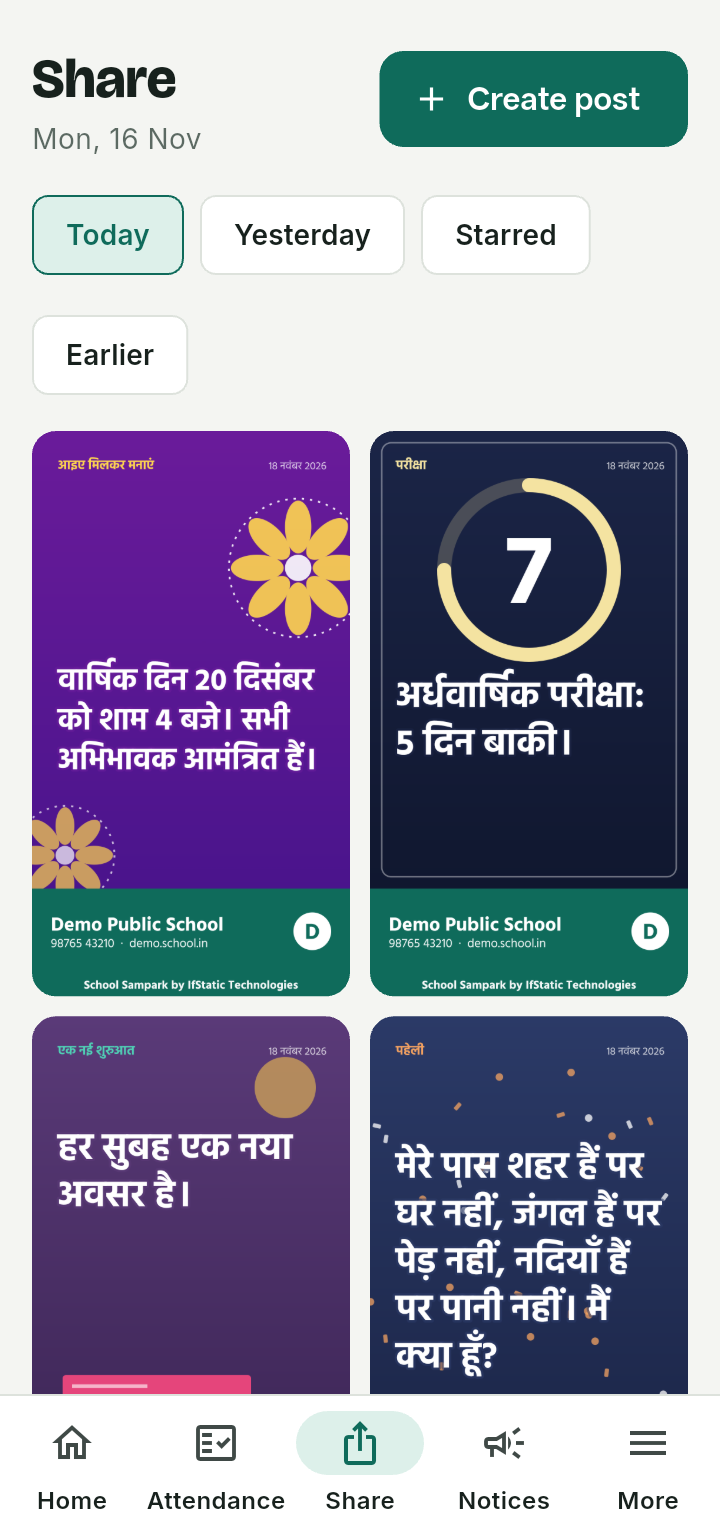
The Share tab: today's pictures in two columns, including an exam countdown and a good-morning thought.

The school stays in charge

The school admin can approve the pictures before teachers see them, or let them go out by themselves at a time the school sets. Any picture can be taken down. A post already shared on WhatsApp cannot be recalled by the app.

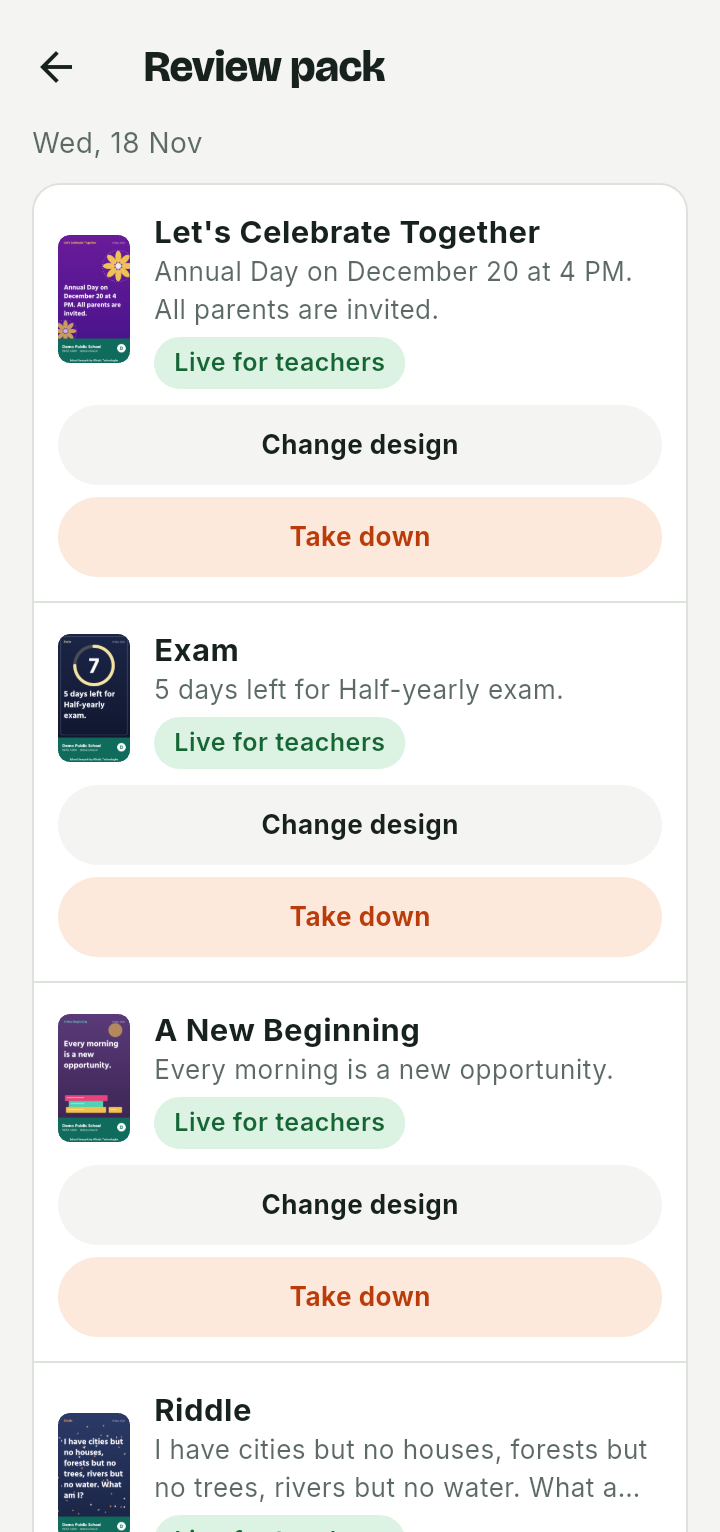
  • Not happy with a design? Tap Change design to try other designs for the same occasion, then save the one you like.
  • Dates marked internal on the calendar, such as a staff meeting, never make a picture.
The Review pack screen: each of today's pictures with its words, a Live for teachers label, and Change design and Take down buttons.

Make your own post, with AI help if you want it

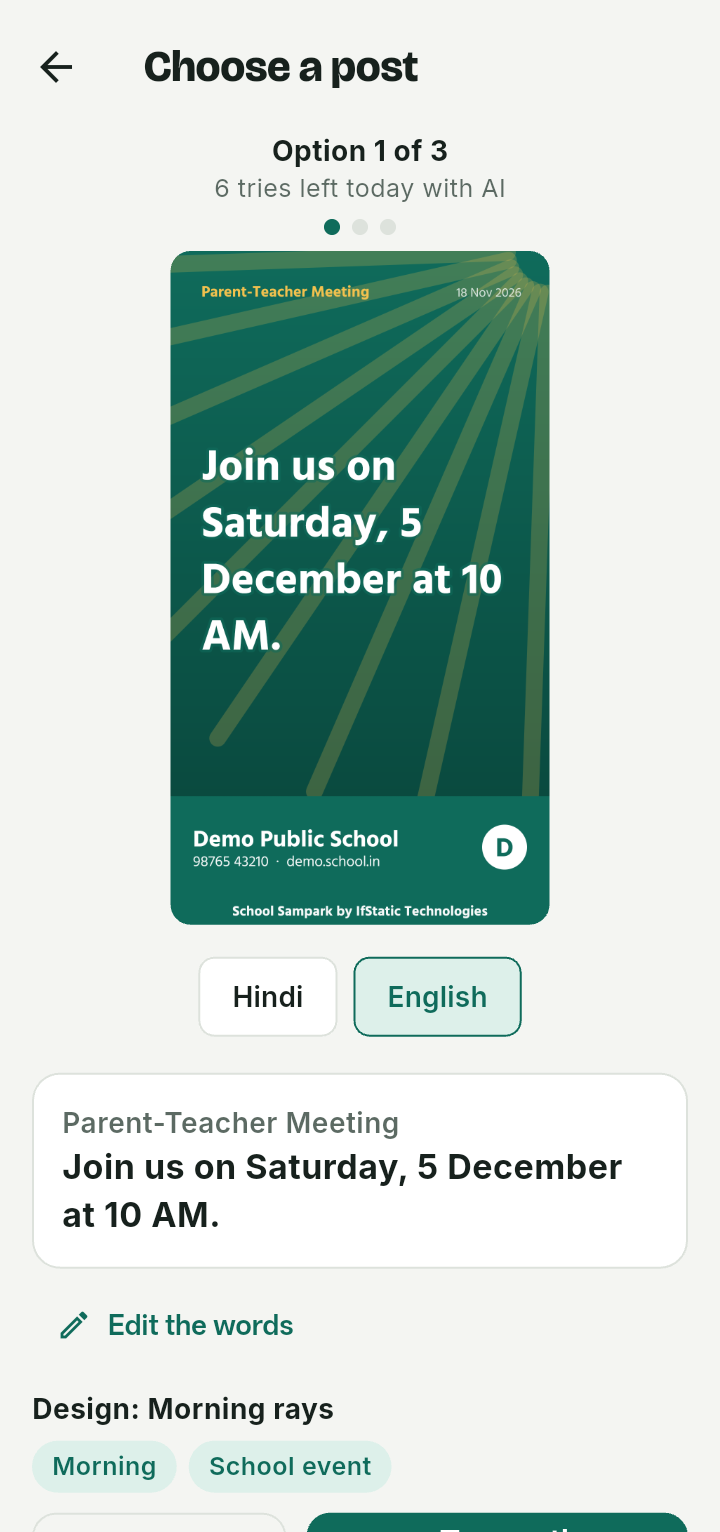
Type the announcement, or speak it, such as the annual day or a parent meeting. The app suggests three posters in Hindi and English, each with a different design. Check the words, change anything, pick a date, and every teacher sees it that day.

  • The AI is told to use only the facts you gave. Always read the poster before you share it.
  • Each school can ask the AI for a limited number of posts a day.
  • You can also write the words yourself and pick a design without the AI.
Choose a post: option 1 of 3 for a parent-teacher meeting, with a picture, the Hindi and English choice, the words, and Edit the words.

School calendar

One calendar for every date that matters

Exams, holidays, meetings and board dates live in one place. Notices you send add themselves to it, and the daily pictures read it for countdowns and reminders.

  • The school sets its board, and the dates of that board reach it from IfStatic.
  • Mark a date as public or internal. Internal dates are for staff only and never appear in a picture.
  • A countdown picture starts a few weeks before an exam, with a study tip each exam day.
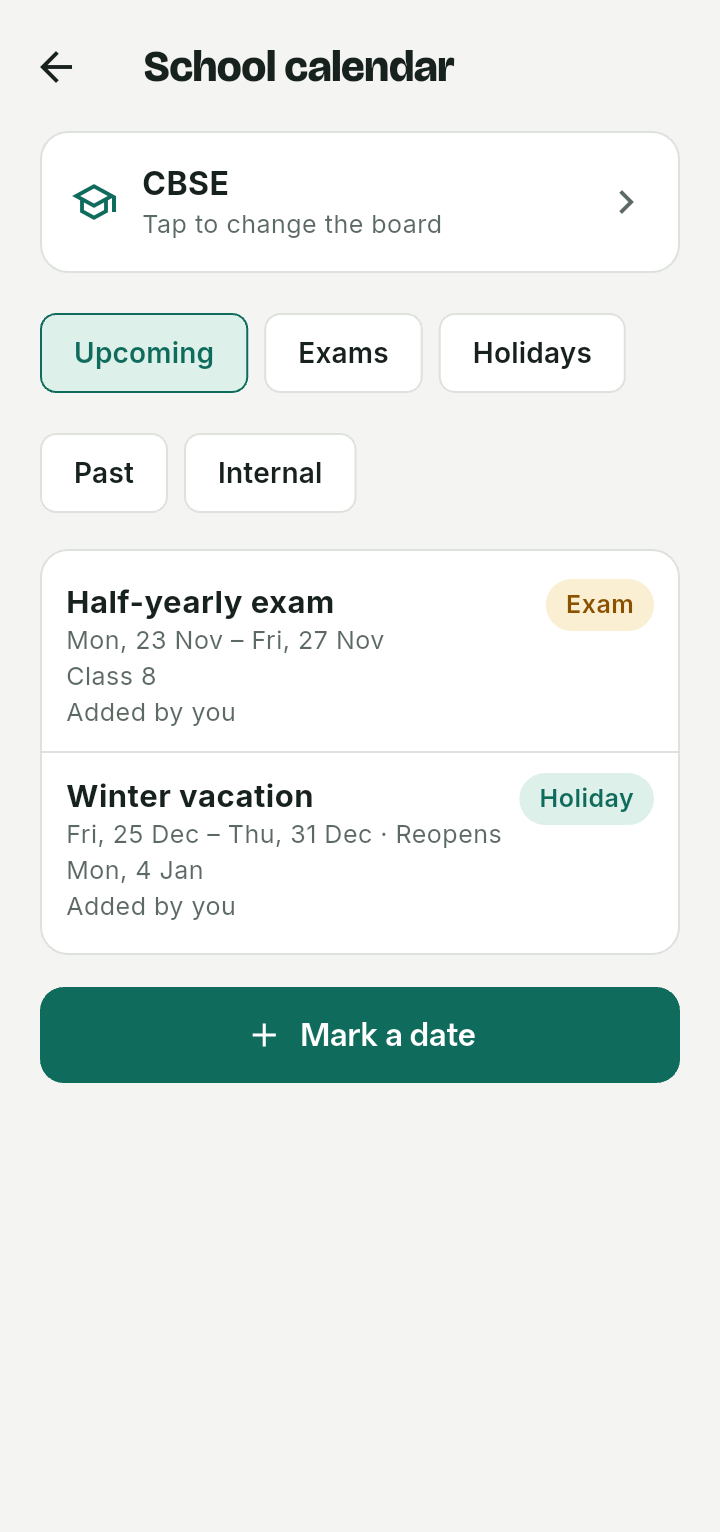
The school calendar: the CBSE board, filters for upcoming dates, exams, holidays, past and internal, and a half-yearly exam and a winter vacation.

For parents

Parents do not install anything

Messages arrive on WhatsApp from your school's own number, in Hindi or English as you choose for each child. Each message has a wording that WhatsApp has approved for your school.

Absent messageSent at the time the school sets, only to the parents of absent children.
NoticesThe picture and the words, sent to the whole school or to chosen classes.
HomeworkA PDF and a short message, to every parent in a class.
RepliesWhat parents write back lands in a Chats inbox where the right staff can answer. A parent can reply STOP to stop messages.

Good to know

Built for how schools actually run

Roles and permissionsSchool admin, office, teacher, or a custom role. The admin switches each permission on or off and chooses the classes a person can use.
Many schools, kept apartEvery school has its own students, staff and WhatsApp number. One school cannot see another's data.
Set up by IfStaticSchools apply in the app. IfStatic checks the application, connects the school's WhatsApp number and approves it.
Android app for staffStaff sign in with their mobile number and a one-time code. Only staff added by the school can sign in.

Want it for your school?

Schools apply in the app, and we approve and set them up. To get started, or to ask a question, get in touch with IfStatic.